
Survey the site and design coverage
We identify required areas and usage, review the existing system, and plan camera placement and viewing points.
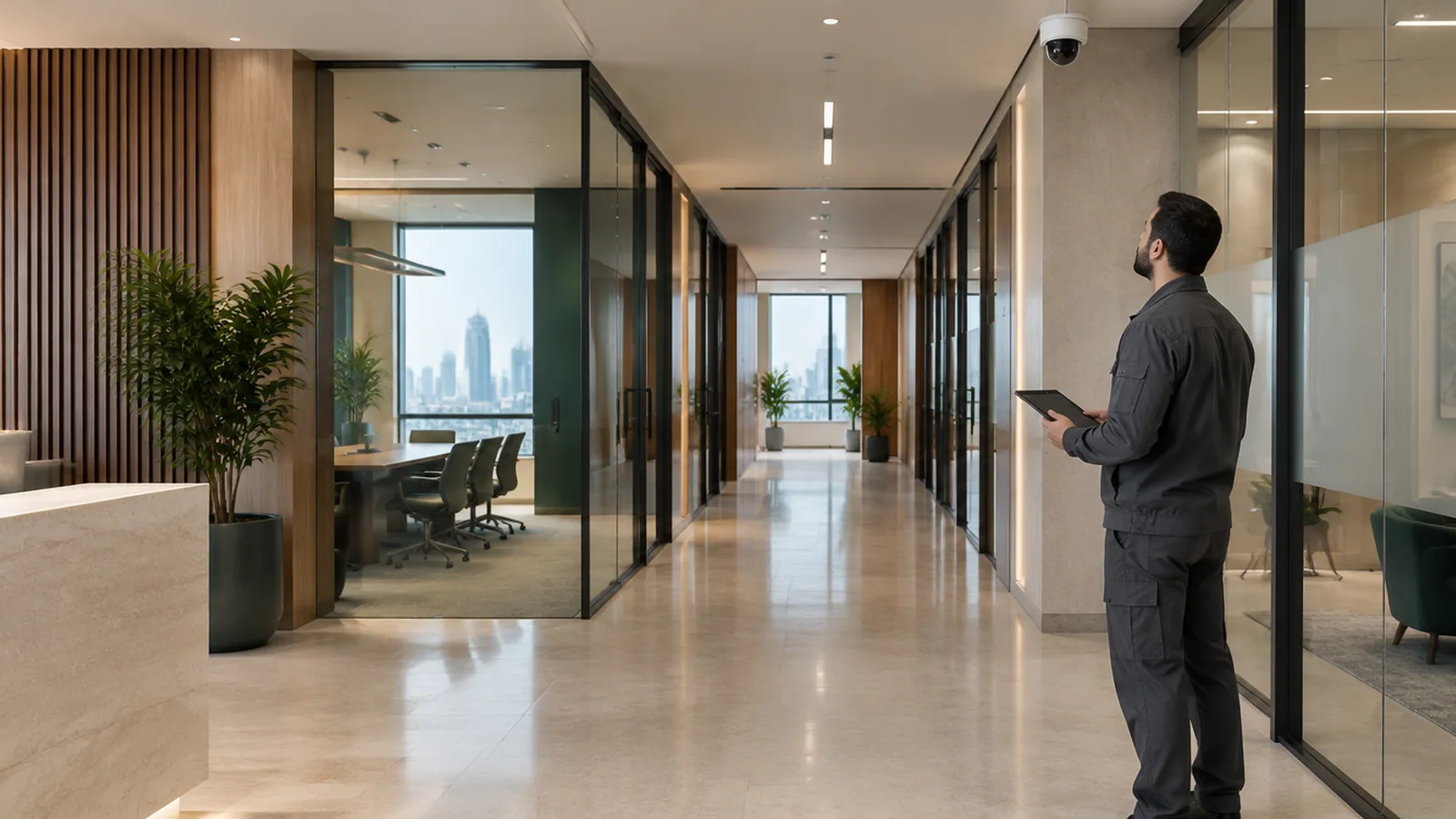
We design and install CCTV and IP cameras, bringing cameras, recording, network connectivity and video management into one system built around your site and growth.
Important areas are unclear or camera angles miss what you need to see.
Poor image or recording quality despite having many cameras.
Recordings are difficult to find, or the recorder is old and limited.
Camera connections drop, or the network cannot readily support expansion.
Storage does not suit recording needs, and multiple cameras or sites are hard to manage.
Equipment added over the years lacks a unified design and needs upgrading.
Before adding cameras, we define what you need to see and how recordings will be used. Placement, viewing angle, lighting, networks, storage and management work together to deliver the intended coverage.
We plan positions and viewing angles around important entrances, routes and areas to reduce coverage gaps.
We review the details you need to see and lighting conditions, then select suitable settings and components rather than relying on resolution alone.
We assess cabling, connections and network components carrying video against camera numbers and usage.
Recording, storage, video retrieval, users and camera management are considered together in the design.
We identify required areas and usage, review the existing system, and plan camera placement and viewing points.
We install CCTV and IP cameras according to the design and prepare or connect the cabling and network they rely on.
We select and configure recording and storage around cameras and usage requirements, making video easier to retain and retrieve.
We connect cameras, recording and management within a clear architecture, using VMS where centralized management or wider functions are needed.
We assess component compatibility before adding cameras or upgrading recording and networks. Partial development may be appropriate instead of full replacement.
We review images, recording and connections after installation, with troubleshooting, maintenance and expansion within the agreed scope.
Start with a survey of your site and existing system to plan coverage, recording and improvements.
Equip an office, shop, warehouse or commercial building, or redesign coverage following an extension or additional entrances.
Adjust viewing angles, add cameras to an existing system or upgrade equipment that does not provide the view you need.
Replace or add an NVR, review storage and recording quality, or improve video search and retrieval.
Add a branch or manage more cameras, developing network connectivity, component integration and centralized management as needed.
The site survey defines the work. A project may combine new installation with upgrades to existing cameras, recording and infrastructure.
Existing infrastructure, camera numbers, site size, recording requirements, management and future expansion guide the choice. One technology does not fit every premises.
Send video over the network and can integrate flexibly with compatible recording and management systems. Design considers device compatibility, network capacity and storage.
Current cameras and cabling may remain suitable or allow a partial upgrade. We review condition, recording capabilities and compatibility before recommending a different system.
Recording and management needs guide component selection. Management functions may be built into the recorder or provided through a broader platform, depending on system size and compatibility.
Receives and records video from network cameras, with live viewing and playback according to device functions and configuration.
Software for viewing, recording, search and user management. It may support more cameras, multiple sites or additional functions according to project needs.
Compatible surveillance systems can use intelligent video analytics to detect selected events, objects and activity patterns, helping teams become aware of important events alongside viewing and recording.
Detect a face in the scene without identifying the person.
Attempt to match a face to a known identity or database where the cameras and platform support it.
Count people and entry or exit movements at defined points according to system capabilities.
Detect crossing of a virtual line or defined boundary in the scene.
Detect a person or object entering a defined area according to analytics rules.
Detect and classify selected objects according to the supported analytics model.
AI analytics adds an intelligent layer to a suitable CCTV system. It may run on AI-enabled IP cameras (edge analytics), through VMS and an analytics platform, or on a server, according to project architecture and compatibility. Functions depend on camera capabilities and selected technologies; they are not automatic in every system.
Additional capabilities may include smart video search, vehicle detection and event-based alerts, depending on the system.
Identify important areas and the intended use.
Review spaces, infrastructure and any existing system.
Plan camera positions, networks and recording.
Deploy components and connect them within the design.
Review images, recording, connectivity and search.
Provide expansion and maintenance as needed within scope.
The Raseila approach
We define important areas and coverage before proposing camera numbers and placement.
We assess the existing system and compatibility to identify what can be upgraded or retained.
We consider recording retrieval, camera management and integration with the premises and its growth.
We review images, recording and connections against the design and project scope.
We consider areas to be viewed, site size, entrances, viewing angles, lighting and intended use. The survey informs camera numbers and placement rather than floor area alone.
IP cameras send video over a network and integrate with compatible recording and management systems. Traditional systems typically connect video to a recorder through dedicated cabling. Infrastructure, needs and compatibility guide the choice.
Yes, where components support them. We review camera compatibility and recorder, storage and network capacity before defining additions and any required upgrades.
Not necessarily. Some cameras and cabling may be retained while recording, networks or selected components are upgraded, according to assessment and needs.
An NVR records network camera video and may include viewing and management functions. VMS is software for video, users, search and recording according to its capabilities. They may work within one system; the project determines what is required.
A survey helps identify coverage areas, lighting, connection routes and the existing system’s condition, then select suitable cameras, recording and infrastructure.
Next step
Start with a site and system survey to identify what actually needs adding or upgrading across cameras, recording and connectivity.