
Assess and deploy servers
Review applications, data and the current environment, then install and configure physical or virtual servers and network integration.
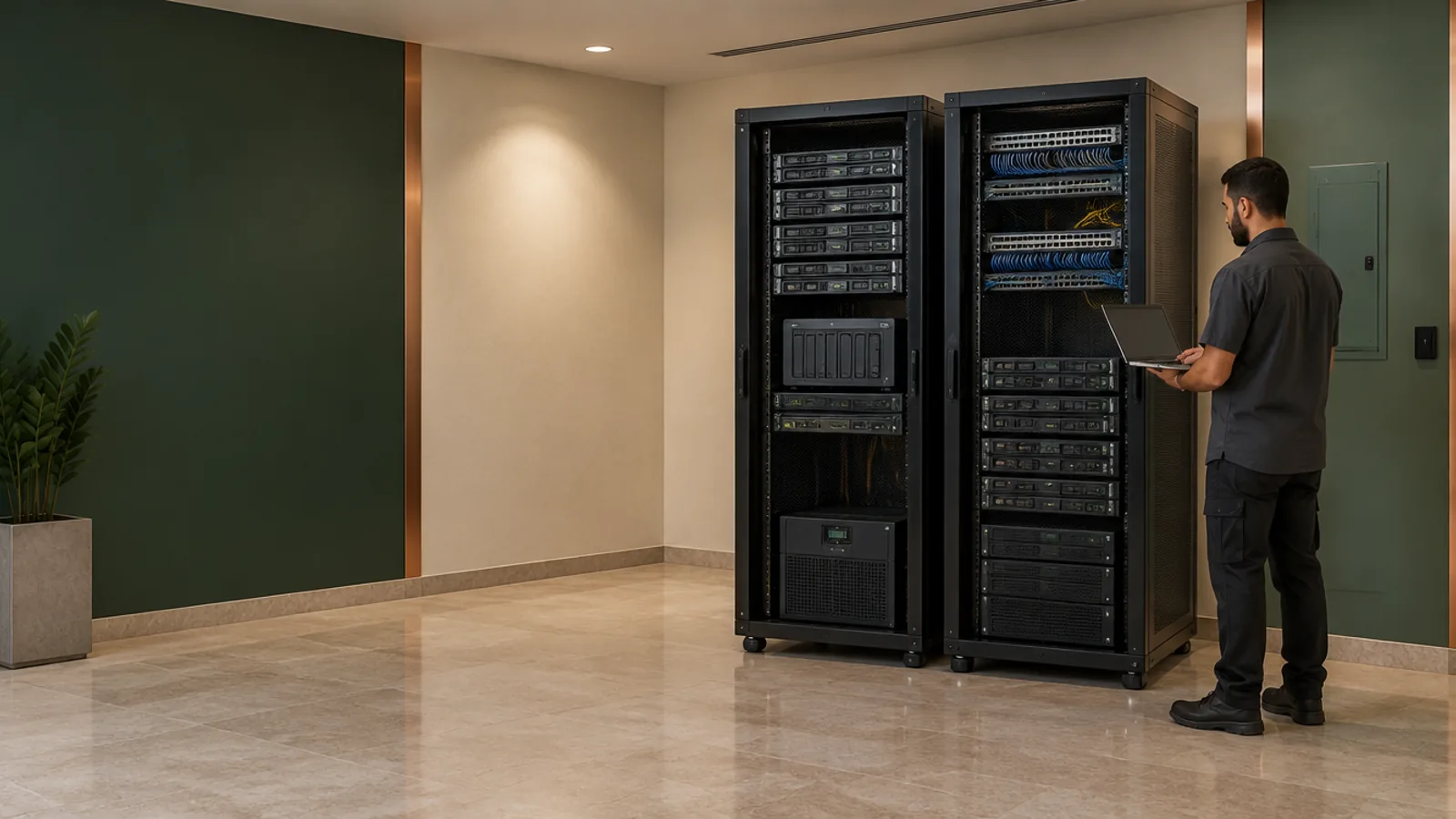
We design, install and upgrade server, storage, backup and recovery environments around your applications, critical data and business growth.
Important files are on one device or spread across employee computers, with permissions that are difficult to manage.
An older, slow server or storage and NAS that have reached capacity.
Manual backups or backup jobs whose success is unclear.
No offsite copy and no tested restore of files or systems.
One failed server disrupts important applications and virtual machines are poorly organized.
More employees, applications and data, with infrastructure that cannot keep up.
A configured backup job is only the starting point. Define what to copy, where it goes and who can access it, then plan how files and systems return to use.
Identify important applications, files and servers, then set frequency around data changes and acceptable data loss over time.
Select copy numbers, storage media, locations, retention and historical versions according to needs and capacity.
Review backup permissions and administrative access, with offsite options if the primary premises become unavailable.
Define data and system restore procedures and suitable tests within scope, alongside backup results and error reviews.
Review applications, data and the current environment, then install and configure physical or virtual servers and network integration.
Deploy a hypervisor and virtual machines where appropriate, with resource allocation, backup and migration suited to the environment.
Integrate server storage, NAS or suitable SAN, and organize shared folders and permissions for users and departments.
Define automated jobs, schedules and retention, integrating cloud backup or an offsite copy when required.
Define file, server and VM recovery and critical system priorities around business-specific RPO and RTO objectives.
Assess server, storage and backup upgrades, data migration or a move to virtualization according to compatibility.
Monitor system health, capacity, backup results and supported alerts, with troubleshooting and maintenance within service scope.
A survey of applications, data and servers defines the compute, storage and backup infrastructure required.
A first business server, internal applications, more employees or a need for centralized files.
An older server, full storage, NAS expansion or an environment that needs virtualization.
Important data without suitable copies, failed jobs, manual backup or no offsite copy and recovery plan.
Move data from an older server, develop storage and backup, or plan disaster recovery for critical systems.
Open a group for details. Applications, data and existing infrastructure define the functions and components required. Each project uses the options appropriate to its needs.
Select compute resources and components around application workloads and data.
Organize resources and separate systems within a suitable architecture. Virtualization depends on the needs of the site.
Choose the storage model for the workload. SAN is assessed for environments that require it.
Required recovery methods guide backup sources, destinations and schedules.
Raseila designs and integrates compatible services; service selection, capacity and retention form part of the project scope.
Focus on IT recovery readiness. Restoring backups is separate from failed-disk or specialist laboratory data recovery.
Coordinate power and connectivity with server needs. Redundancy does not replace backup.
Review system status and results to identify required intervention within the agreed service scope.
Review dependencies, compatibility and transition scope before defining what to retain or upgrade.
Applications, workloads, licensing, management and expansion guide the choice. Virtualization is not the best fit for every business, and RAID or redundant components do not replace backups.
A system running directly on dedicated hardware. Compute, connectivity and storage are selected for the application.
Several virtual machines run on a hypervisor, with allocated resources and separated systems. This can support some backup, migration and expansion tasks.
Data volume, performance, applications, sharing and expansion determine the storage model. Connectivity between servers, storage and the network is also assessed.
Central network storage suited to many file-sharing and backup needs, with folders, permissions and capacity management.
Storage attached or dedicated to the server for its operating system, applications and data according to workload.
A specialized storage network for larger environments or shared enterprise storage requirements, assessed when the project calls for it.
An educational example: primary data, local backup, then an offsite or cloud copy. The 3-2-1 principle uses three copies including the original, two media types and one offsite copy. Actual architecture is selected for the project.
Files, applications and systems in daily use, with defined backup priorities.
An on-premises destination with scheduling, retention, permissions and backup result reviews.
A copy at another location or compatible service where the plan requires recovery if the primary premises become unavailable.
Start with what needs to be restored and its priority. Define procedures and test them within scope. This is distinct from specialist laboratory recovery of failed disks or complex data loss.
Recover a file, a group of files or a retained version according to available backups and retention.
Recover a server, virtual machine or system and its services, reviewing dependencies and connectivity required for use.
Disaster recovery brings backups, critical system recovery procedures and potentially a secondary environment together. RPO and RTO guide backup frequency, storage, offsite copies, recovery design and redundancy as design objectives, not fixed promises.
How much data loss, measured in time, can the business tolerate after failure? This guides the required backup intervals.
How long can the business tolerate a system being unavailable before recovery? This helps define priorities, infrastructure and procedures.
Data volume, connection speed, importance, required recovery speed, budget and retention guide selection. Raseila designs, integrates and manages compatible backup services within the project.
A copy within the local infrastructure, with capacity, permissions and reviews suited to recovery use.
A copy at another location or cloud service, with scheduling, retention and encryption where supported.
Combine local and offsite copies within one plan, considering data transfer and recovery methods.
Capacity warnings or failed jobs can need attention before they affect operations. Define monitoring, supported alerts and configuration reviews according to service scope.
Server health, disk status, storage capacity, VM resource usage and service availability.
Backup job success or failure, required capacity and copy status, with configuration reviews and recovery testing where appropriate.
Identify daily dependencies and each system’s importance.
Assess current servers, storage, backup and networks.
Plan compute, storage, backup, recovery and connectivity.
Deploy servers, storage, backup and required permissions.
Review connectivity, services, backups and required recovery.
Review health and support additions within project and service scope.
The Raseila approach
Data importance and applications guide compute, storage and backup before hardware specifications.
Assess existing infrastructure, compatibility and what can be retained or developed.
Define backups around required restoration and integrate local and offsite copies where appropriate.
Consider maintenance, growth, networks, permissions and security integration within one environment.
It depends on applications, data, connectivity and working practices. Local, cloud or hybrid environments may be suitable; operational needs guide selection.
NAS focuses on network storage, file sharing and backup. A server can run applications, services and operating systems as well as storage. Usage guides the choice, and both may work together.
Not necessarily. Data volume, connectivity, recovery and retention determine whether local, offsite or combined copies are appropriate.
Frequency depends on data changes, importance, required RPO, capacity and backup method. There is no single schedule suited to every business.
Review job success, errors and capacity, with restore tests where needed to check that required files or systems can be recovered.
Backup retains copies for restoration. Disaster recovery plans the return of critical systems and services after major failure, including priorities, procedures, environments and required copies.
Server, file or storage migration may be possible, as may physical-to-virtual or virtual-to-virtual migration. Systems, compatibility and dependencies are assessed before defining the transition.
Next step
Start with a survey of current servers, storage and backups to define what your business needs for operation, recovery and expansion.