
Assess the site and design access
Review movement, doors, areas and gates, defining users and permissions before selecting components.
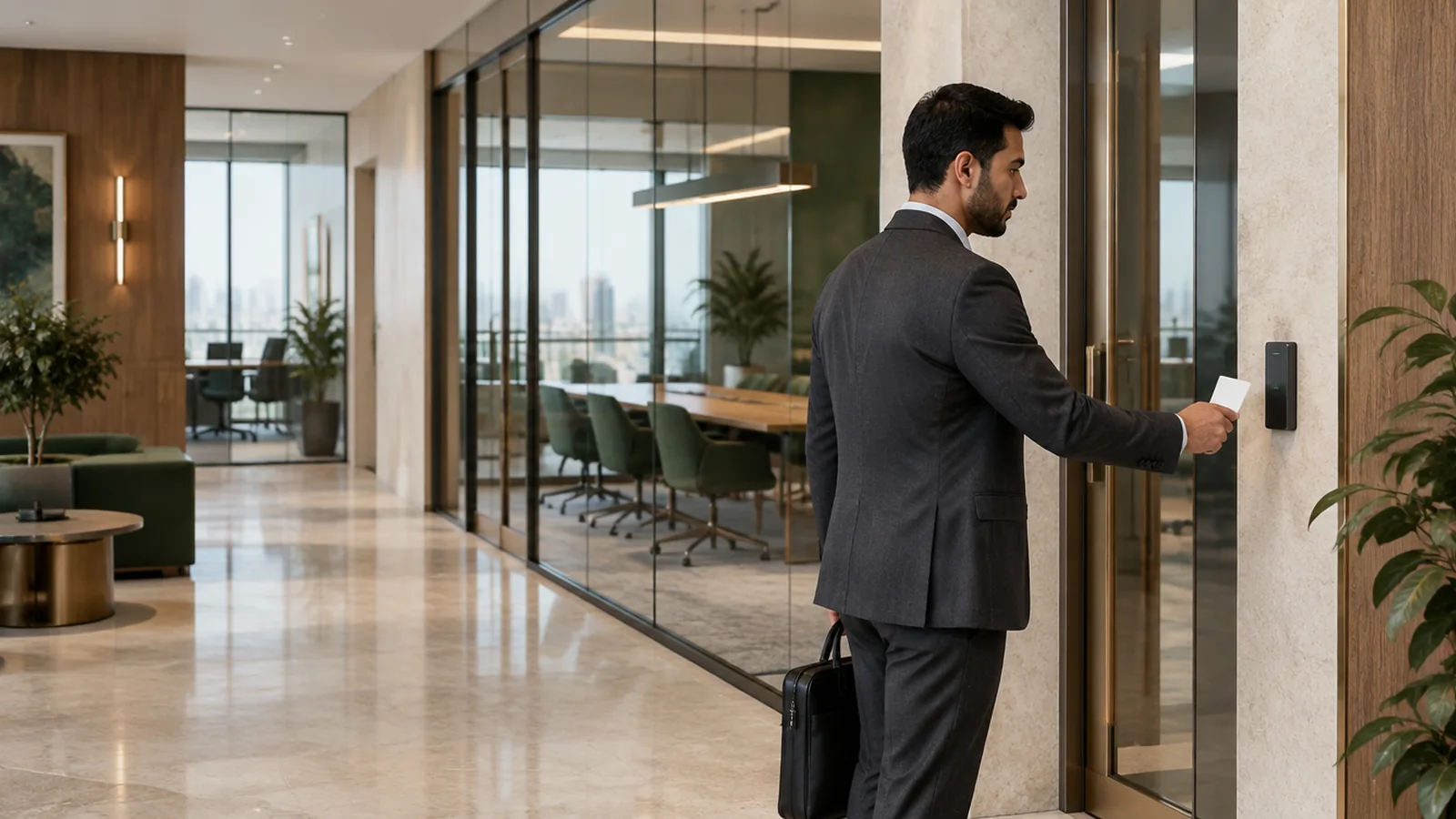
We design and install card, RFID, biometric or suitable access solutions, organizing door, gate and visitor permissions around system support and project needs.
Traditional keys are hard to track, or a former employee retains a means of entry.
Everyone can access every area without different permissions by role.
Entry records are unclear and door or user status is difficult to follow.
Adding users or temporary visitor and contractor access is a confusing manual process.
Doors and sites use separate systems, while parking is disconnected from user permissions.
An older system is difficult to expand with more doors, users or gates.
The value is in managing access as a whole: identity, credentials, permissions and schedules, then applying the decision at the door and recording events according to system capabilities.
Define users, cards or suitable identification methods and how permissions are added, changed or revoked.
Connect permissions to areas, doors, departments and schedules instead of granting everyone the same access.
Readers, controllers, locks, exit devices and door sensors form one site-specific design.
Logs, door status, visitors, gates and centralized management are defined by system capabilities and needs.
Review movement, doors, areas and gates, defining users and permissions before selecting components.
Select cards, RFID, fingerprint or supported methods and install readers, controllers, locks and required components around the project.
Set up users, roles, door groups and access times, with events and status monitoring according to system support.
Plan temporary visitor and contractor access and connect pedestrian and vehicle entrances where appropriate.
Plan multi-door or multi-site management and integration with compatible CCTV, intercom, BMS and other systems where operationally useful.
Assess existing equipment before replacement, test access scenarios and provide expansion, troubleshooting and maintenance within scope.
Start with a survey of entry points and user movement to plan permissions, components and suitable integration.
Equip businesses, warehouses, administrative buildings or residential complexes, or move away from traditional keys.
Define department permissions, add users and doors or select card or biometric access around usage.
Organize temporary access and records, add gates or control vehicle entry and exit.
Plan central management, upgrade readers and controllers or assess compatible CCTV and BMS integration.
Open a group for details. Functions and components depend on the selected system and project needs; not every option is available in every system.
Credential selection based on users, experience and compatibility.
A complete door system rather than a reader disconnected from its lock and hardware.
Who enters, where and when, with information suited to solution capabilities.
Visits and entry communication organized within the access system.
Vehicle access connected to user permissions, keeping access control at the center.
Integrations selected for an operational purpose according to compatibility and project design.
Assessment of what can be retained, improved and supported before replacement.
Users, site conditions, control requirements, experience and integration guide the choice. It depends on system support and project needs rather than one method fitting every situation.
A card or key fob for daily use, linked to a user with validity managed according to the system.
A code can suit selected scenarios according to user and permission management.
Fingerprint or other identification methods where supported and suited to the project; not every reader provides them.
Mobile or NFC access where supported by the platform, reader and user device.
Illustrative access scenarios. Actual rules are defined with you around roles, doors and required times.
Staff enter areas linked to their department, while managers may have broader access according to role.
Visitors receive access for the visit, while contractors can use specified doors during defined work hours.
Parking or gate access is linked to the user or vehicle credential according to the system.
Entry or door operation can follow supported schedules suited to the site.
A visit can be linked to temporary permissions and specified areas, with follow-up procedures according to the selected system.
Register the visitor and host, specify permitted doors and issue a temporary credential or badge where supported.
Record check-in and check-out, end access after the visit or scheduled period and retain events according to system capabilities.
Review entrances, vehicles and users to link gate access to business permissions, keeping the scope focused on access rather than a full parking management platform.
A barrier gate and controller can use RFID or a suitable credential with access permissions for staff and visitor vehicles.
Parking entry and exit, remote control and license plate recognition integration are assessed only where systems support them.
Compatibility and operational needs guide integration. Systems do not all connect automatically, and no particular platform or protocol is assumed.
Access events can be connected with cameras, door communication and visit management according to system capabilities and design.
Door status, events, alarms or occupancy information may link to central monitoring, lighting or HVAC where functions are supported and useful.
Review doors, users, areas and gates.
Identify who needs access to where and when.
Select readers, controllers, credentials and integrations.
Deploy components and add users and permissions.
Review doors, permissions and entry scenarios.
Add users, doors and sites according to needs and scope.
The Raseila approach
Define paths, roles and access times before selecting credentials.
Connect doors, users and gates with technical infrastructure and compatible integration where required.
Assess existing equipment before replacement and consider future users, doors and sites.
Review allowed and restricted access and agreed functions after installation.
RFID uses a card or suitable credential, while fingerprint uses biometric identification supported by the reader and system. Users, entry experience and project needs guide selection, and a system may support more than one method.
Yes, where supported. Users can be organized by role or department with specified doors, areas and schedules for each group.
In a suitable electronic system, a card or user permission can be disabled through management rather than changing locks for each user. We review how permissions are managed and applied within the solution.
Central management may be possible according to controllers, connectivity, platform and compatibility. The survey informs the multi-door and site design.
Yes, according to capabilities. The visit period, allowed doors and credentials can be defined, with access ended and events tracked where supported.
It can where systems are compatible and the project needs it. Controllers, gates, cameras and required functions are reviewed before defining integration rather than assuming automatic connectivity.
Next step
Start with a survey of doors, gates and user movement to define suitable credentials and permissions.